
Round robin & ladder nights
1. Create a one-off night
Dashboard → Round Robin or Ladder
Sign in, tap Dashboard, and pick Round Robin or Ladder.
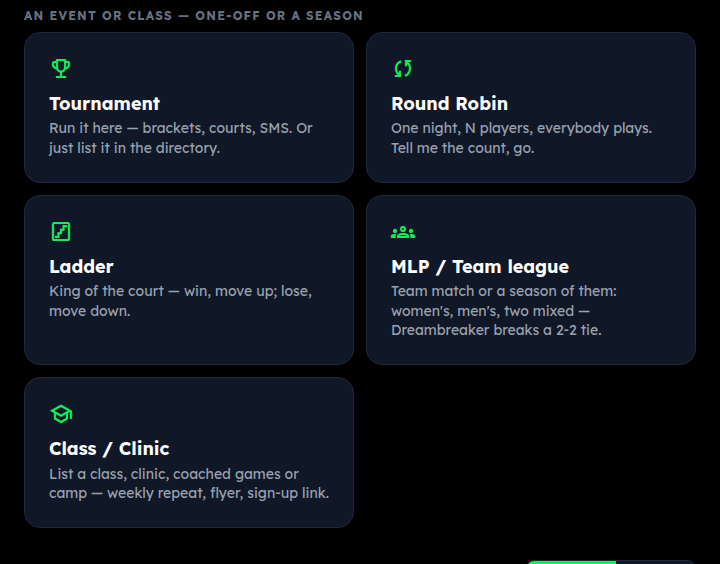
Format, headcount, courts
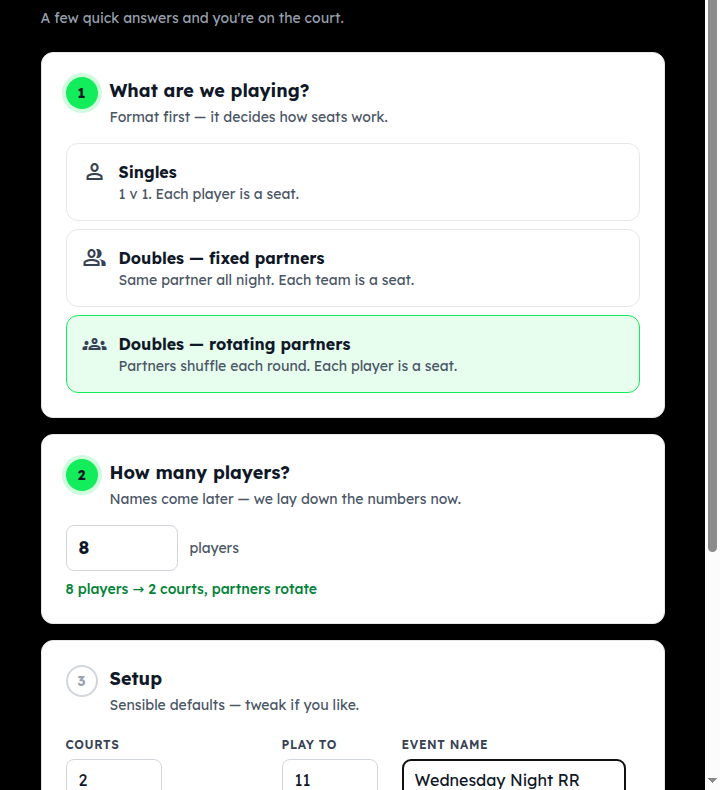
- What are we playing? Singles (each player is a seat), Doubles with fixed partners (each team is a seat), or Doubles with rotating partners (each player is a seat; partners shuffle every round).
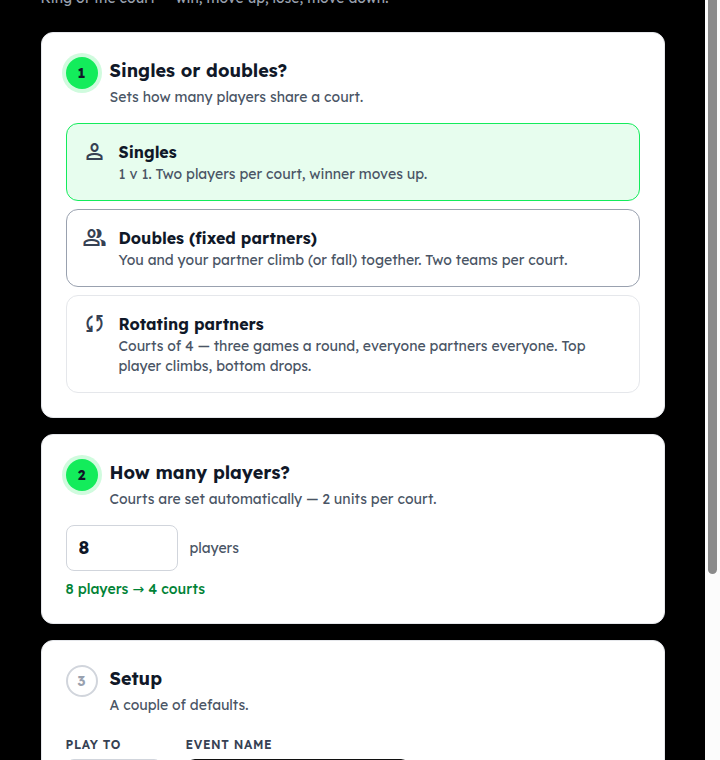
- How many players? Just the number — names come next.
- Courts and Play to have sensible defaults.
- Club / group — leave it on standalone, or attach the night to a club so it counts on that club's leaderboard.
Tap Create & add players.
2. Fill the seats: type, import, or join code
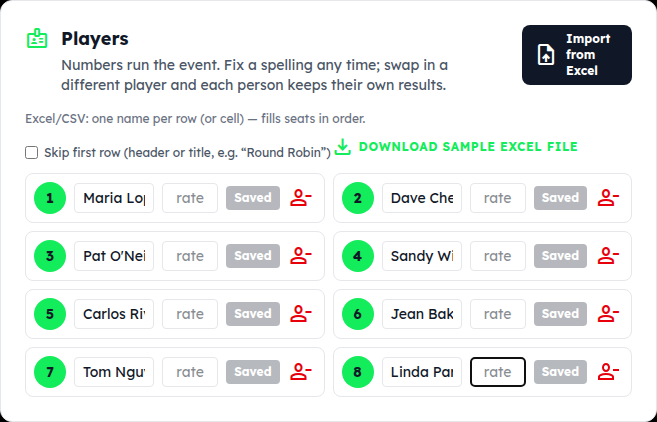
Type a name into each seat
The event runs on seat numbers, so you can fill names in any order and fix a spelling any time — even after play starts. The small rate box is optional (3.5, 4.0 …); a ladder uses it to seed the start.
Import from Excel fills the seats from a spreadsheet, one name per row; tick “Skip first row” if the sheet has a heading. There's a sample file to download.
Or let players claim their own seat
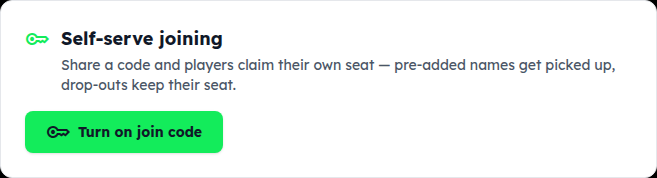
Turn on join code and share the code or link: players add themselves from their phones and take the next open seat. Names you pre-typed get matched up; a drop-out keeps their seat for a replacement.
More or fewer than you planned?
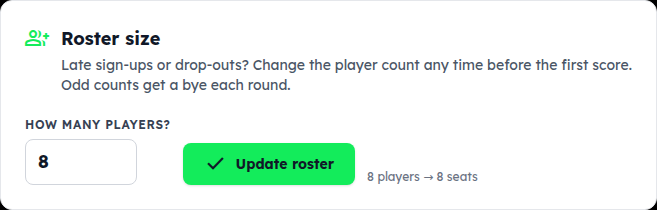
Change How many players? and tap Update roster — any time before the first score. Odd counts work: one seat sits out each round, rotating.
3. Round robin: generate, score, standings
Generate & start
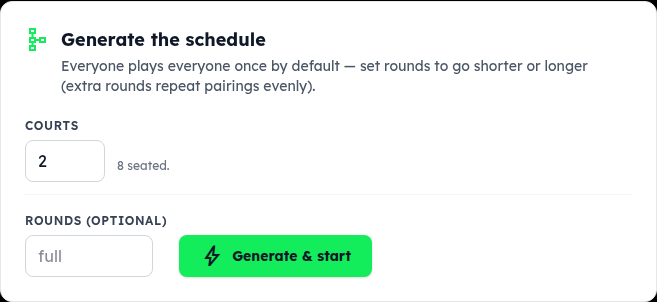
Check Courts, optionally set Rounds (blank = everyone plays everyone once; more repeats pairings evenly), and tap Generate & start.
The night is laid out
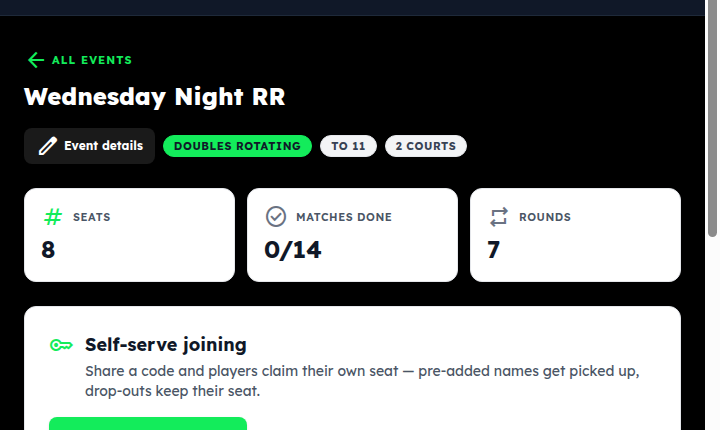
Every round, every court, every pairing. Round tabs move you between rounds; the court cards at the top of a round are what you read out.
Score each game
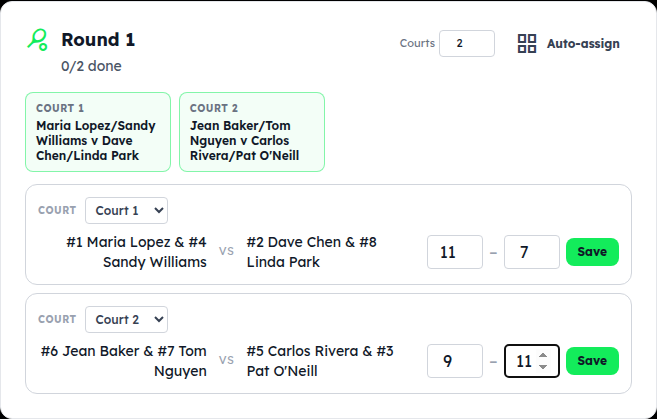
Type both scores and tap Save. Saved scores show Update and undo for fixes. Someone has to leave? person_remove on their seat withdraws them — remaining matches become byes and the rest of the night stands.
Standings
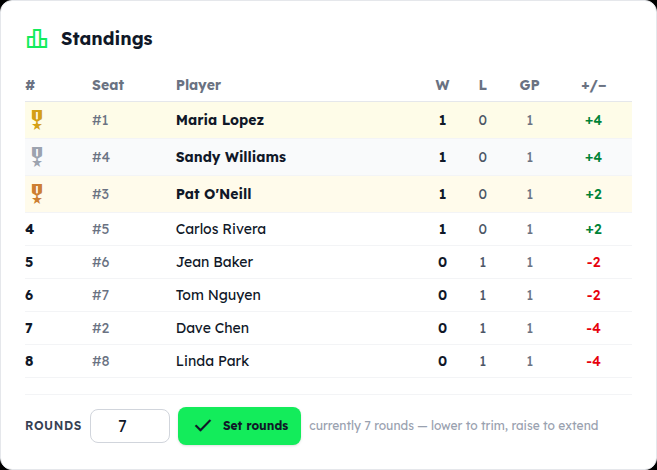
Updated after every save: wins, losses, games played, point differential. Nothing to close at the end — when the last score is in, that's the result. Event details (top of the page) has a share link to the public results page for the group chat.
4. Ladder: start, score a round, advance
Create the ladder
Ladder on the Dashboard. Singles (two per court), Doubles with fixed partners (two teams per court, you climb together), or Rotating partners (courts of four, three games a round, top player climbs, bottom drops). Courts are set from the headcount. Tap Create & add players and fill the seats as above.
Seat order is the starting ladder
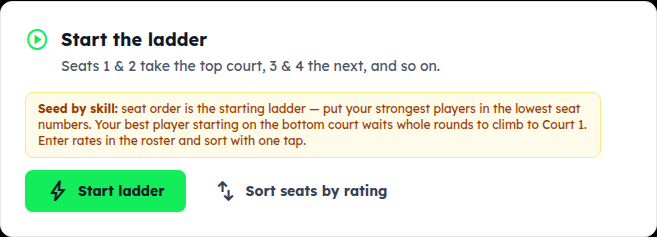
Seats 1 and 2 take the top court, 3 and 4 the next, and so on — so put your strongest players in the lowest seat numbers. Typed rates in? Sort seats by rating does it for you. Then Start ladder. The roster locks once it starts; an odd count rotates one standby per round.
Score the round, then advance
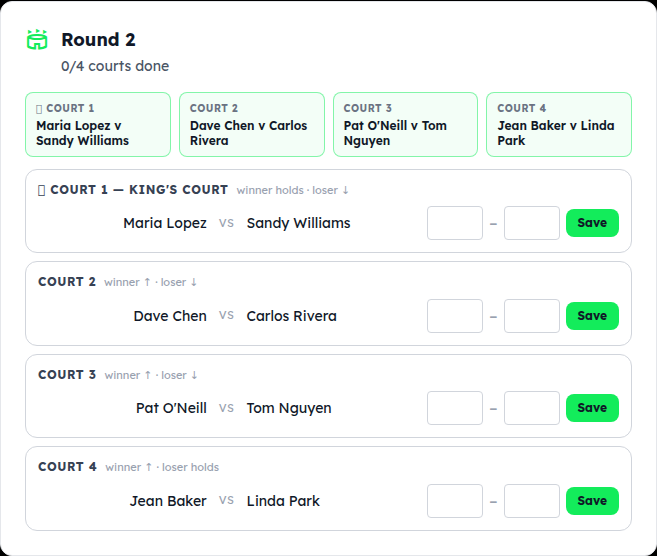
Each court shows its match and what's at stake: on the King's Court the winner holds and the loser drops; everywhere else the winner moves up a court and the loser down. Type the scores, Save each court, and when the round is complete tap Advance to round 2 — the next round's courts are set from the results.
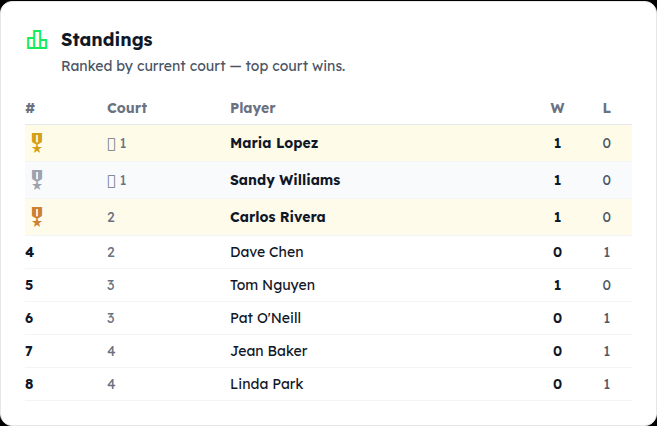
Standings = current court
The ladder's standings are simply who's on which court right now — top court wins. Keep advancing rounds until you're out of time; whoever holds the King's Court at the end is the night's winner.
Something not covered? Contact support or go back to the guide home.