
Courts & venues
1. Find courts & see what's happening there
The directory
Venues in the menu (bottom bar on a phone). Search by name or city, filter by state. Each card shows the courts — how many, indoor or outdoor, lights, nets — and how many events are coming up there. Venues with something scheduled sort to the top.
Near me swaps the state filter for a distance: within 10, 25, 50 or 100 miles of your city (from your profile), your phone's location, or any city you type. Cards then show the miles and sort nearest first. The same button is on Tournaments, Clubs and Classes, and it remembers the place you picked.
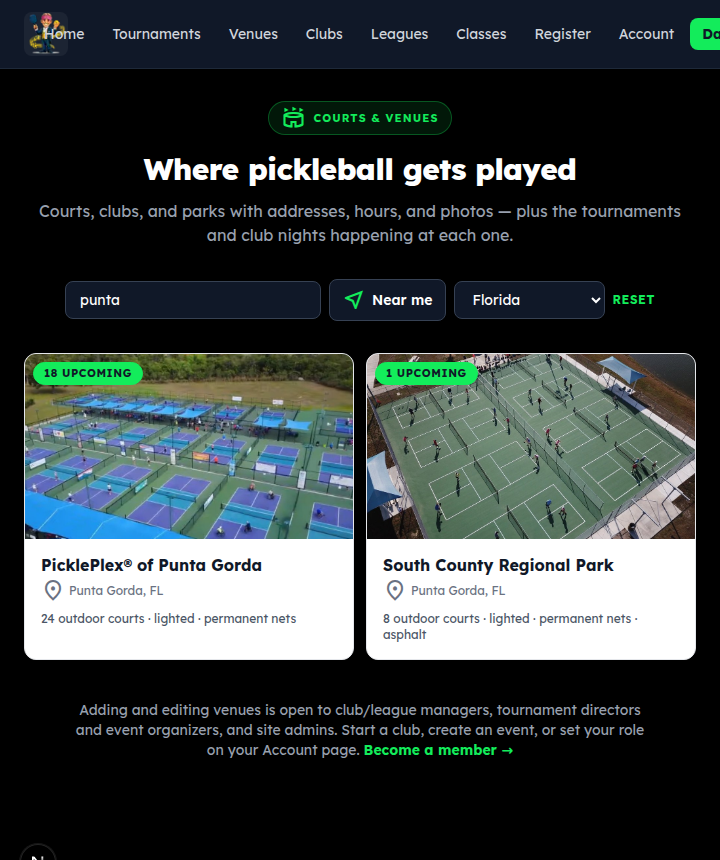
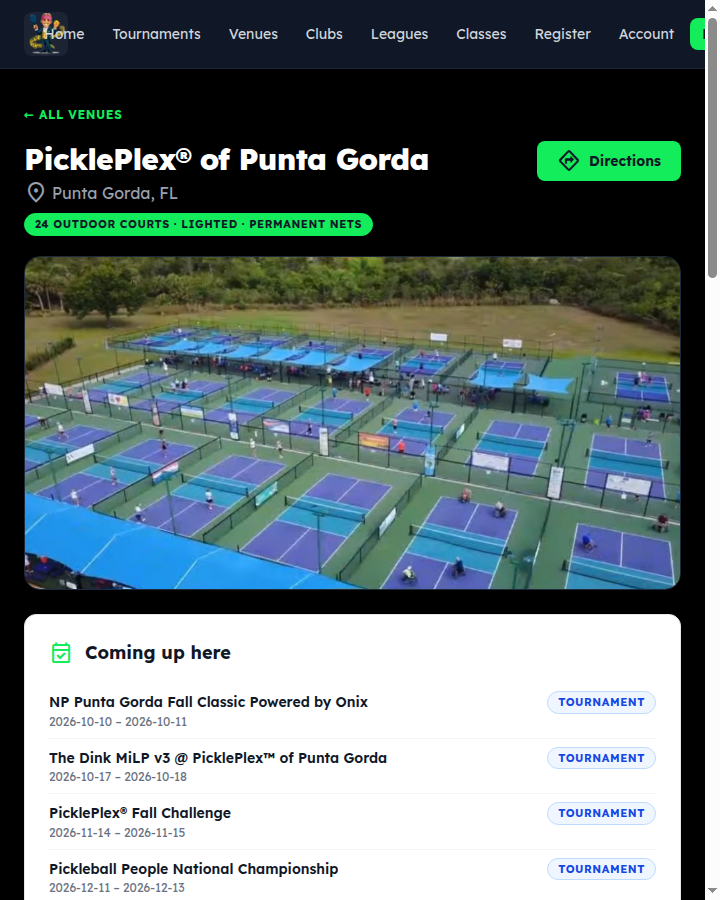
A venue page
Directions opens your maps app. Below: the description, the court details and amenities, hours, phone and website, and photos.
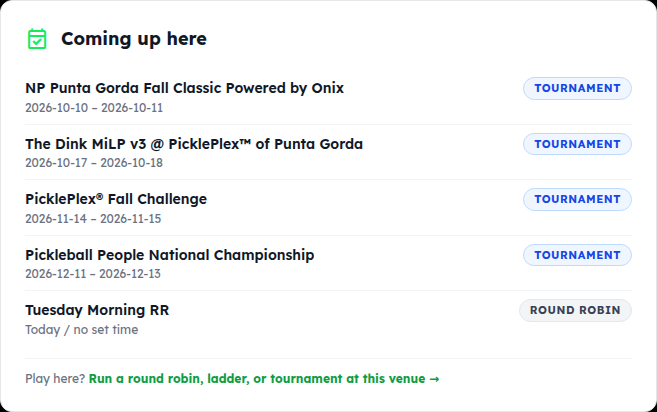
Who plays here, and what's coming up
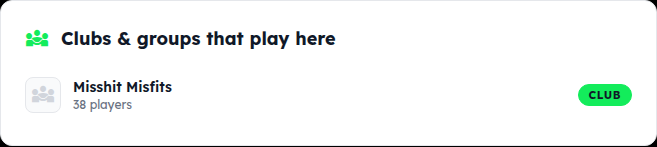
Further down, Clubs & groups that play here links to each club's page (with its player count and a join path), Classes & clinics here lists what's being taught, and Coming up here is every tournament, club night and public event scheduled at the venue. New in town? This page is how you find a game.
2. Add a venue
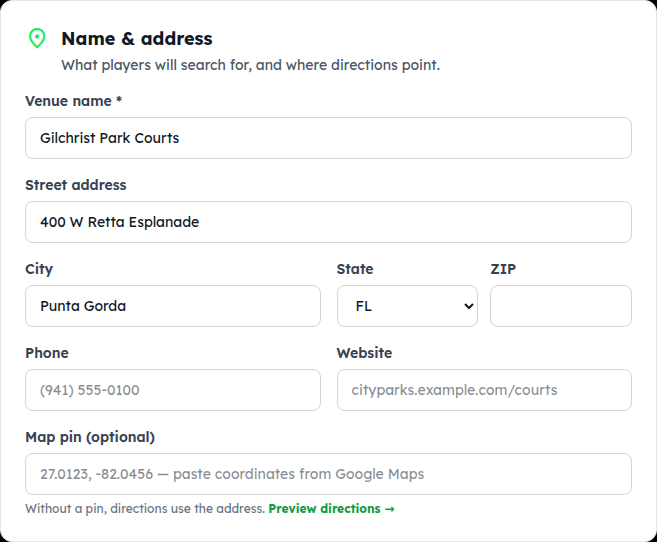
Name and address are enough to start
Tap Add a venue on the directory (or + New venue wherever you're picking a venue for an event). The button is there for club managers, tournament directors and organizers — anyone who runs a club or has run an event here. If you don't see it, the page says why; the roles on your account page are the way in.
Venue name and the address are all it needs; directions use the address. Paste a map pin from Google Maps if the address is vague (a park with several entrances).
Courts & amenities
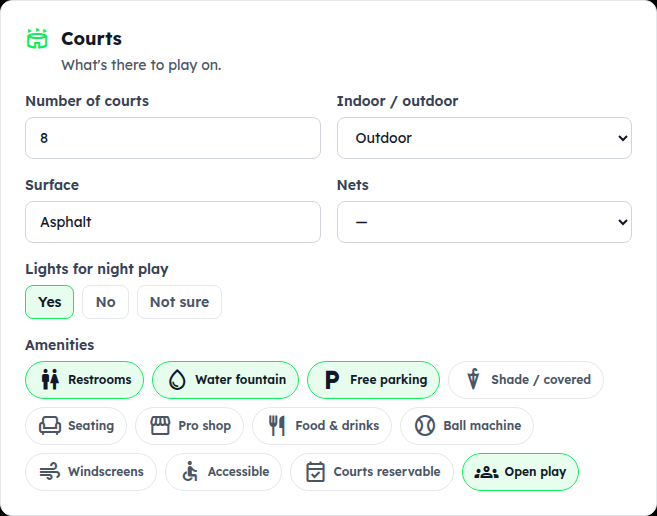
Number of courts, indoor or outdoor, surface, nets, lights, and tap the amenities that apply — restrooms, water, parking, shade, pro shop, open play… These are what show on the directory card.
Hours, description, photos
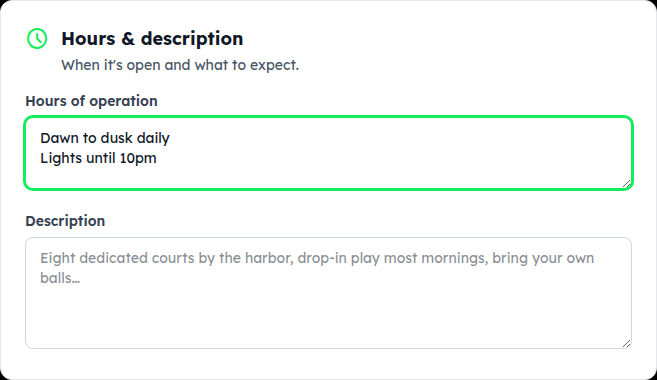
Hours as you'd tell a friend (“Dawn to dusk · lights until 10pm”), a short description of what to expect, and up to 12 photos — the first is the cover. A shot of the courts helps players recognize the place. Tap Add venue.
3. Edit a venue & set your club's home courts
Keep it current
Edit venue at the top of any venue page opens the same form. Venue details are shared — any manager, TD or organizer can fix hours, add photos or correct a court count, like a wiki. If you spot something wrong, fix it.
Set your club's home venue under its Profile & settings and the club appears under “Clubs & groups that play here”, and every new club night starts with the venue filled in.
Something not covered? Contact support or go back to the guide home.